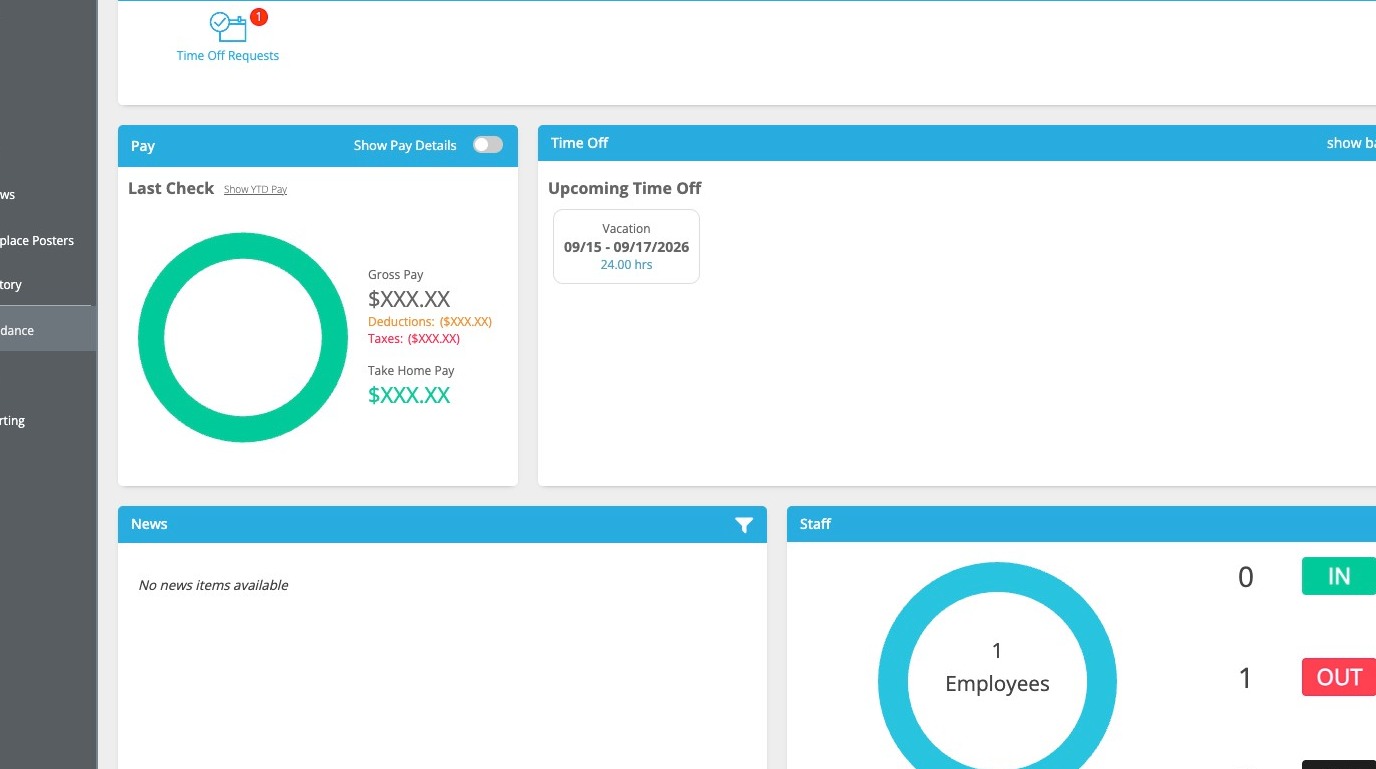
This guide walks supervisors through the process of reviewing and approving time-off requests within the employee self-service portal. Learn how to leave feedback for your staff and verify approved leave status on the company calendar.
1\. Navigate to https://eselfserve.com
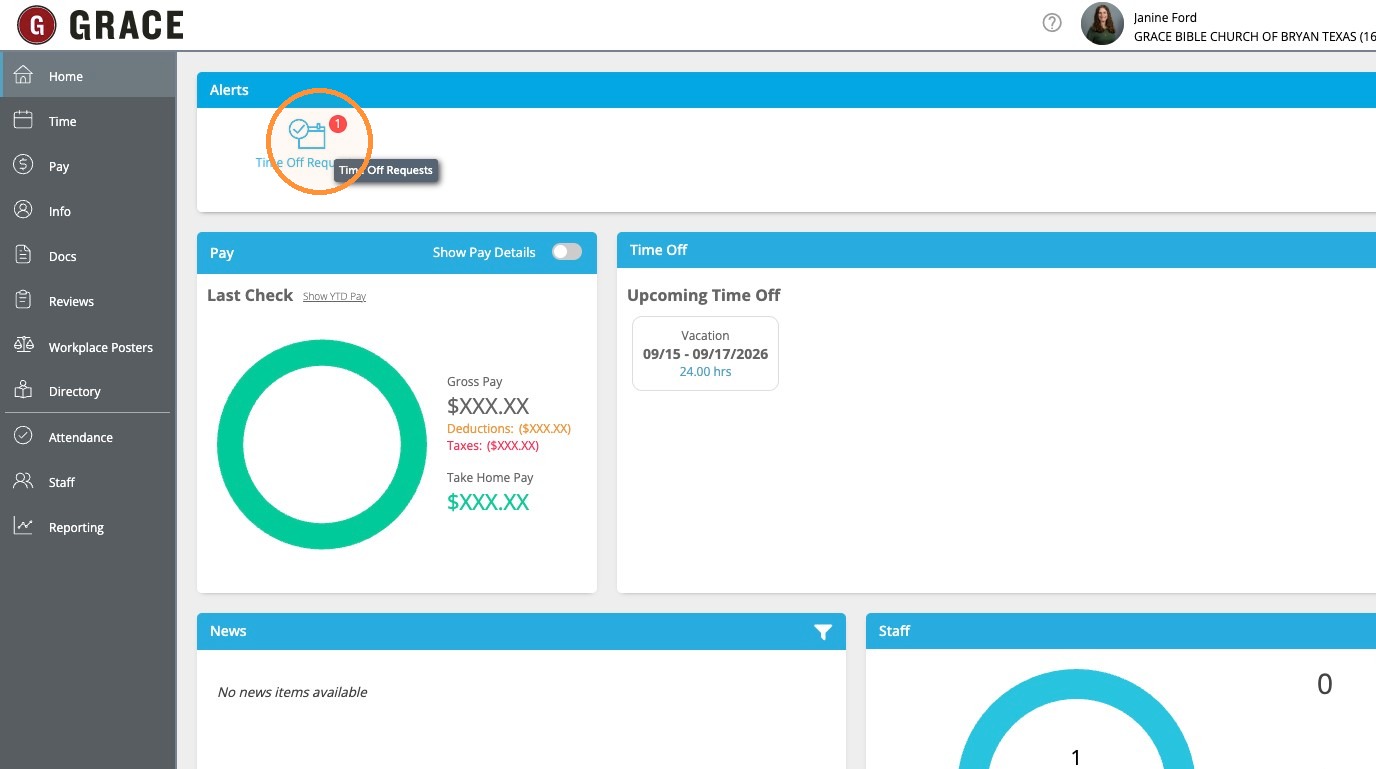
2\. Click the "Time Off Requests" alert from Home.
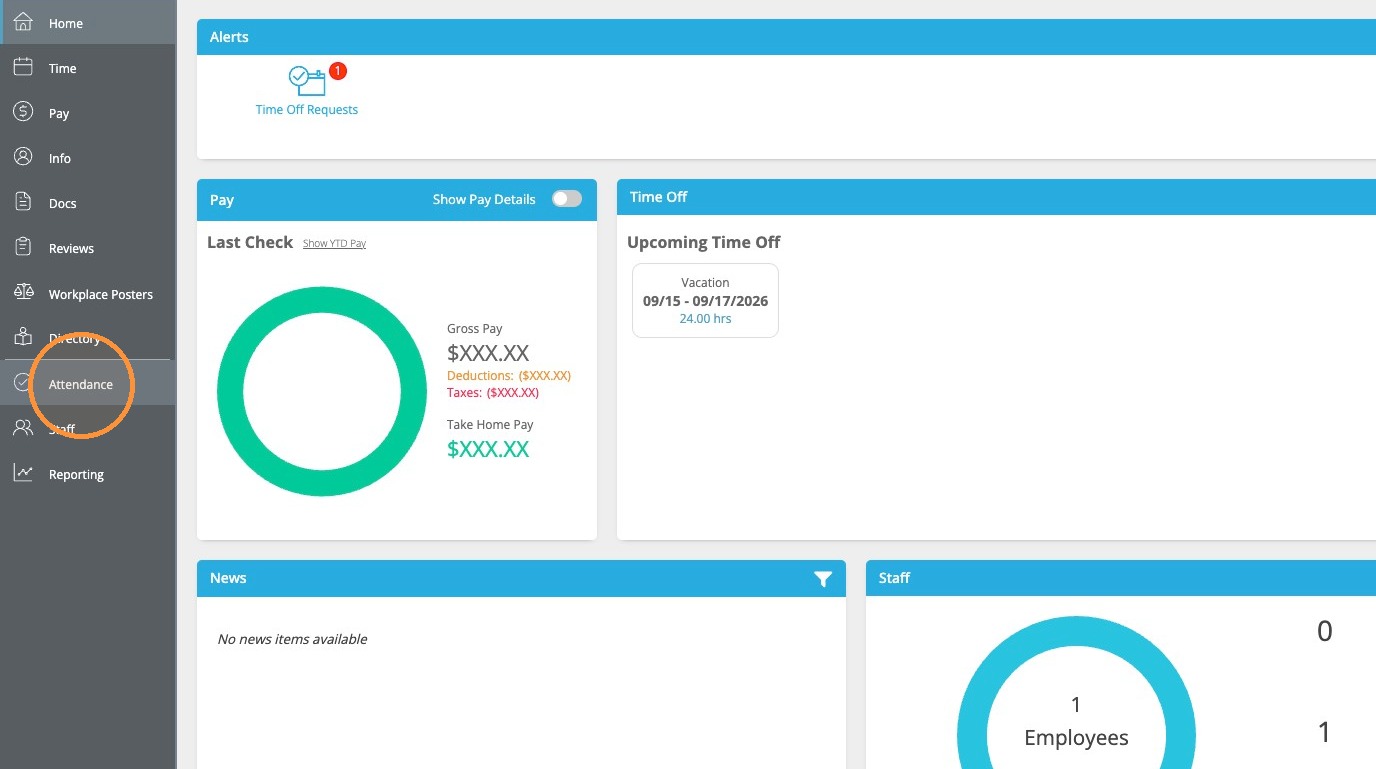
3\. OR click "Attendance".
4\. Click "Time Off Requests".
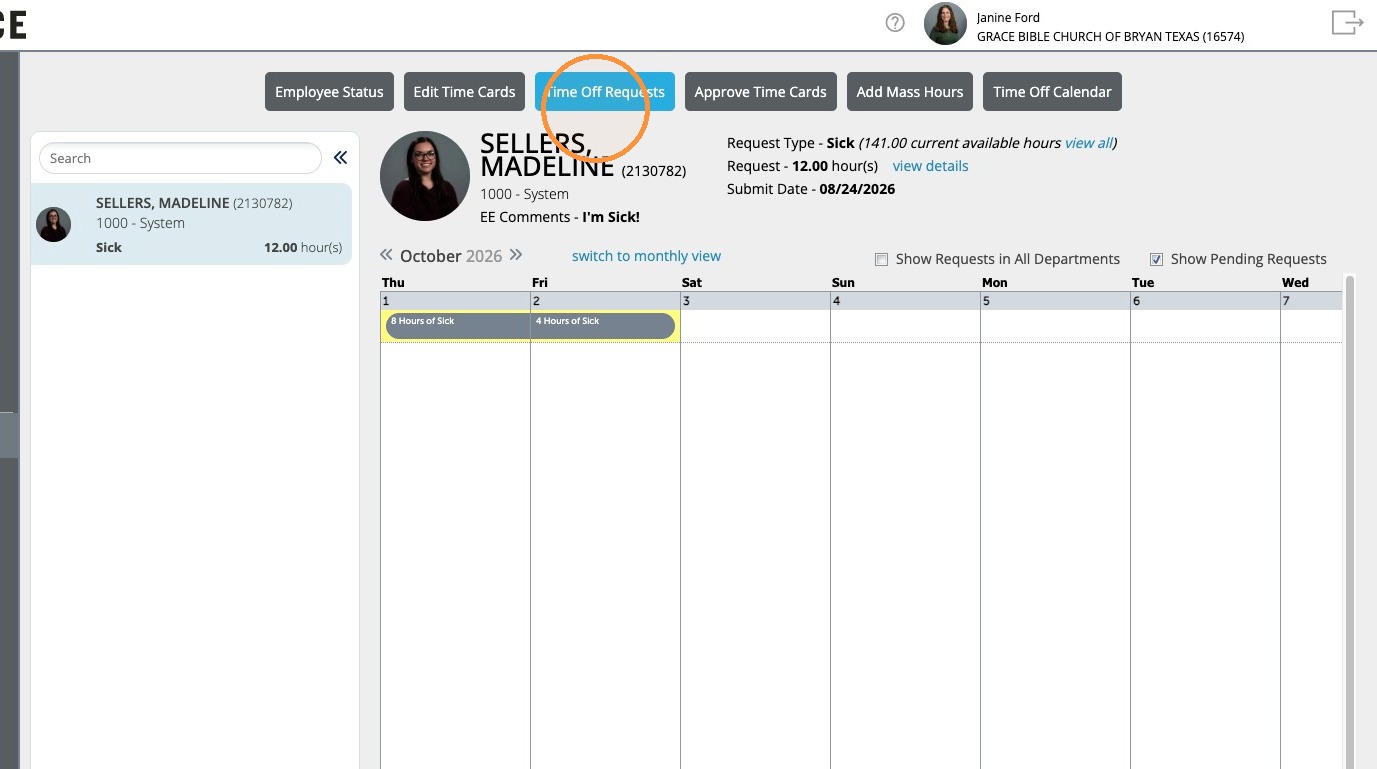
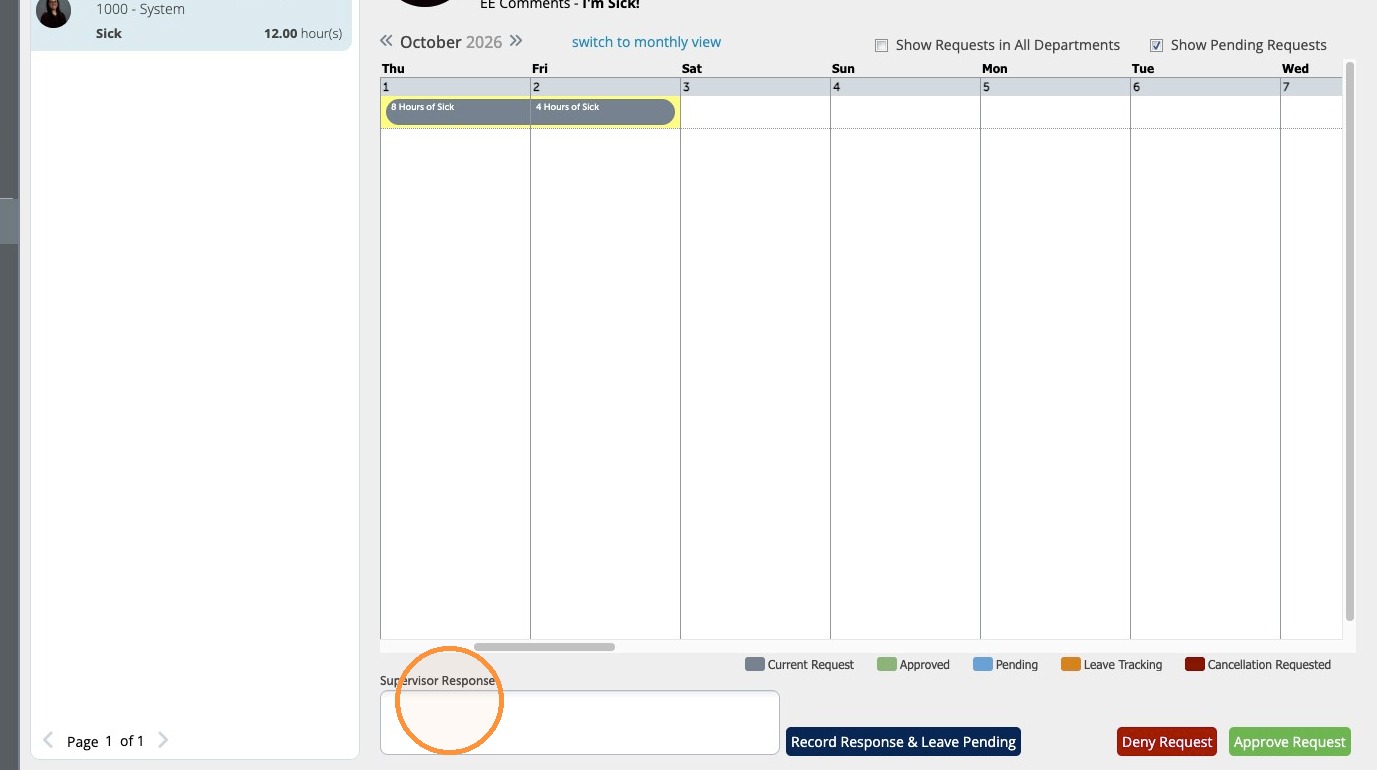
5\. Supervisor Response is not required, but if you have a question for the employee you can put it here.
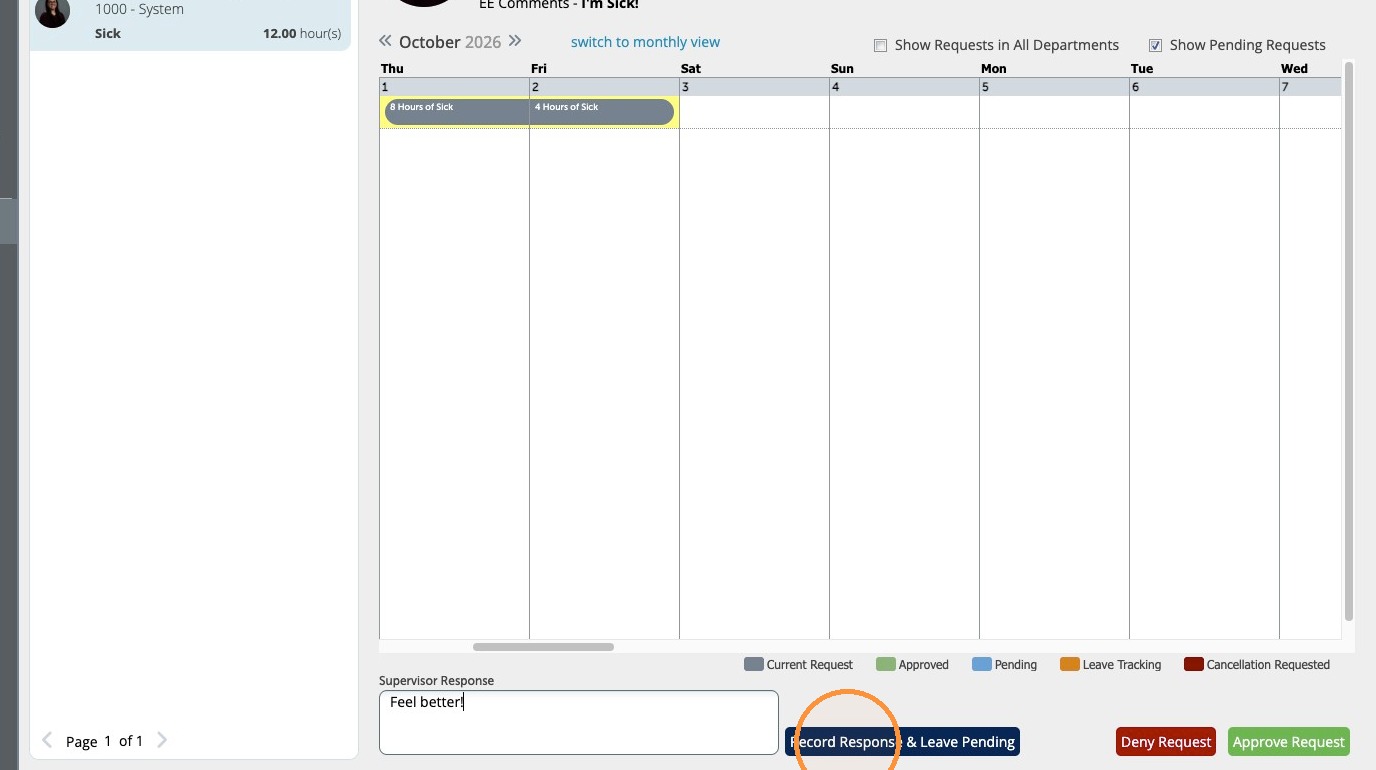
6\. Click "Record Response & Leave Pending". This will not approve the request, and the employee requesting the leave will be notified.
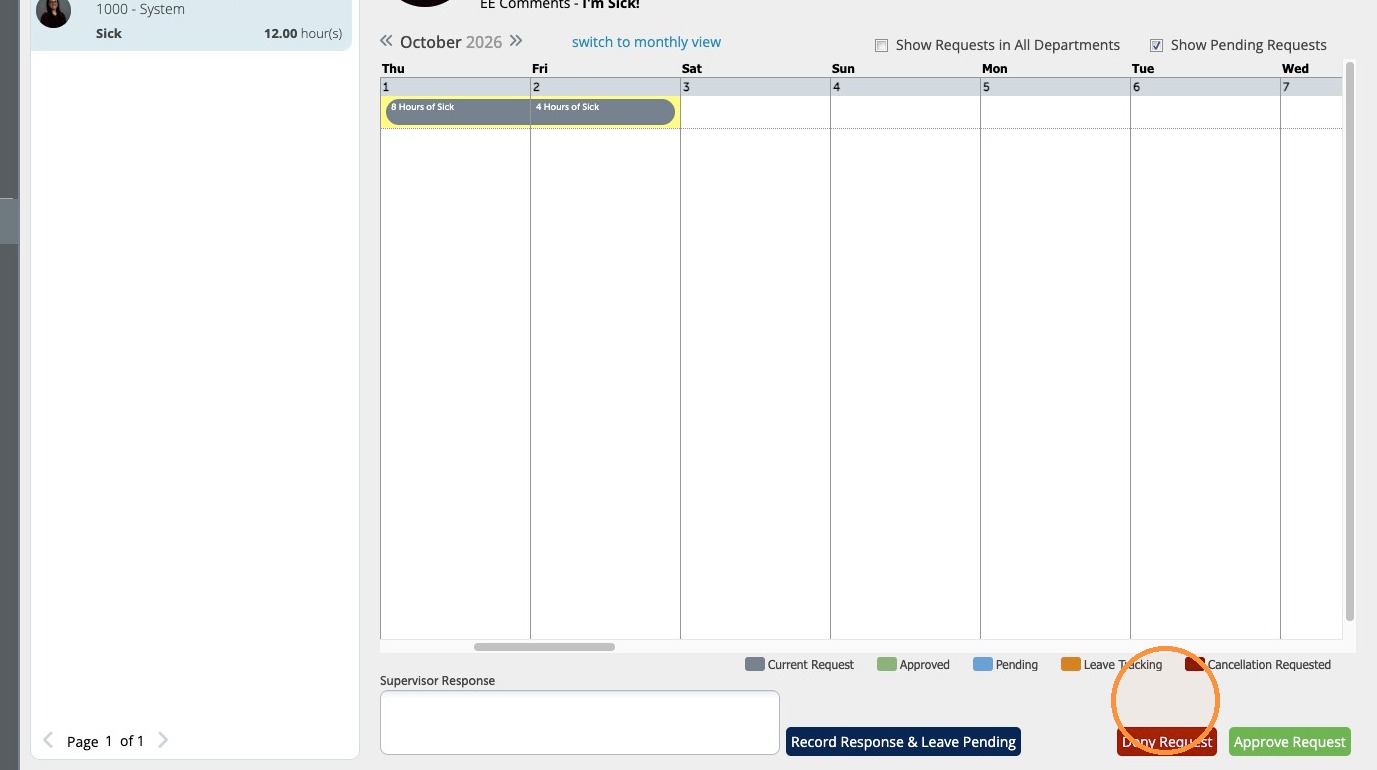
7\. Click "Deny Request" if you do not approve.
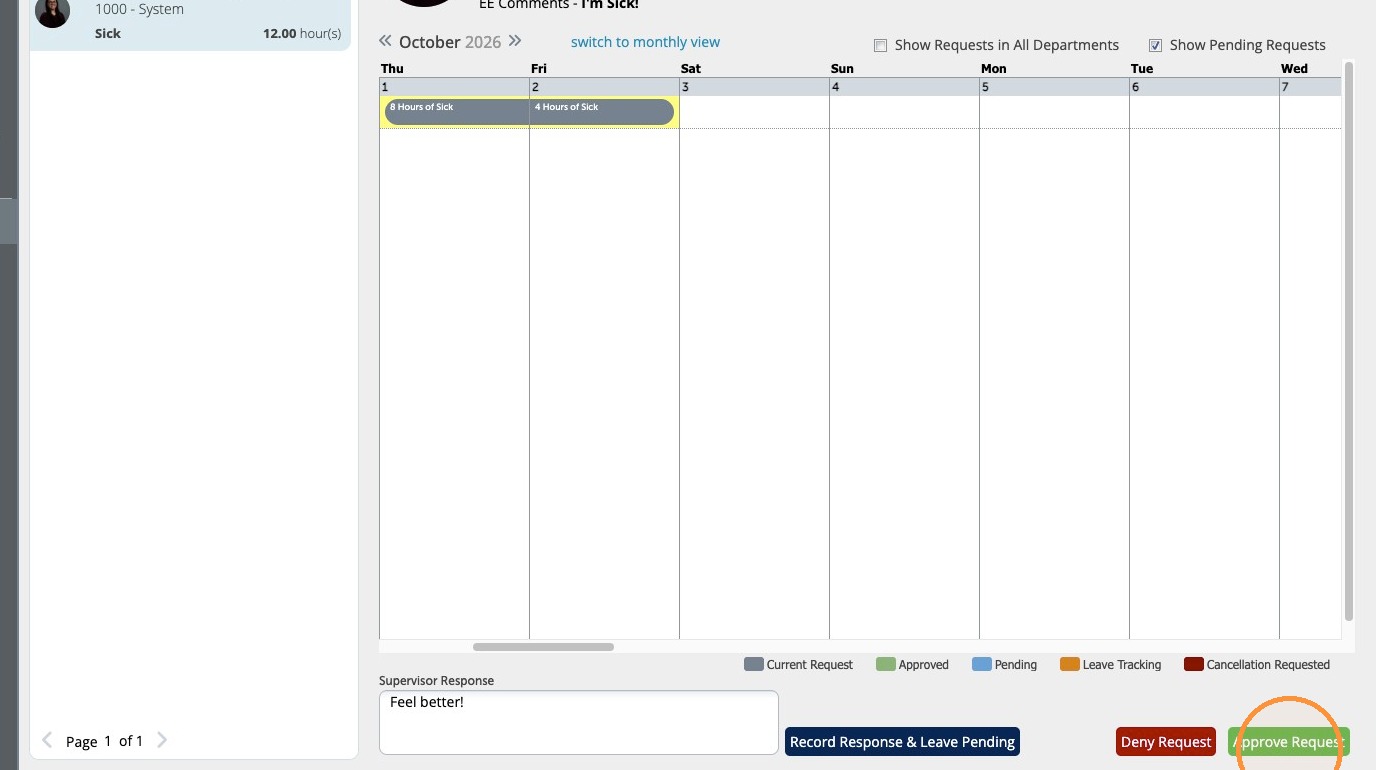
8\. Click "Approve Request" to complete the process.
9\. If you want to see the request on the calendar, click "Time Off Calendar" to check the dates.